
You now have:
- a business name
- a domain
- a professional email
Now it’s time for the step that actually gets you customers.
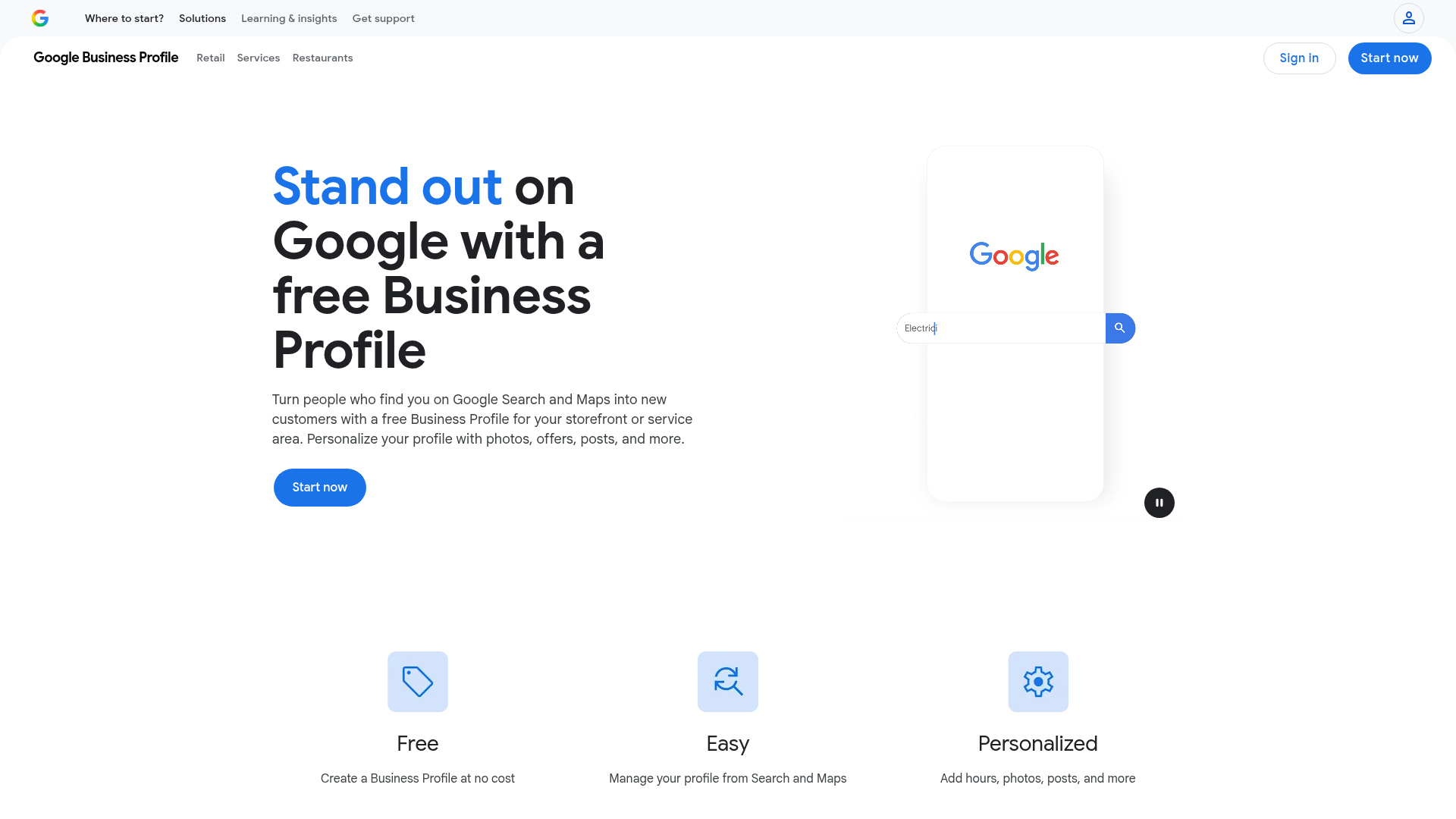
Your Google Business Profile is what shows your business when people search:
- “plumber near me”
- “epoxy flooring austin”
- “roofing company detroit”
If you don’t set this up, you don’t exist online.
What You Need (Bare Minimum)
- Your business name
- A phone number
- A service area or address
- Your domain or email
- Basic proof your business exists
1. Go to Google Business Profile
Open Google Business Profile
Click “Manage Now” and sign in.
2. Enter Your Business Name
Type your exact business name.
Do NOT add extra words like:
- best
- cheap
- #1
Bad:
Detroit Plumbing Best Cheap 24/7
Good:
Detroit Plumbing Co
Google suspends profiles for spam names.
3. Choose Your Business Type
Google will ask if customers visit you.
Most people should choose:
Service Area Business
This means you go to customers instead of them coming to you.
4. Choose Your Business Category
This matters more than people think.
Pick ONE main category:
Examples:
- Plumber
- Electrician
- Roofing contractor
- Web designer
Keep it accurate.
5. Add Your Service Areas
List the cities you serve.
Start with:
3 to 10 cities max
Example:
- Austin
- Sterling Heights
- Warren
Don’t list everywhere. Keep it realistic.
6. Add Contact Info
Add:
- your business phone number
- your domain (from Step 02)
This connects everything together.
7. Verify Your Business (Most Important Step)
This is what gets you approved.
Google usually requires:
Video verification
What to Show in Your Video
Keep it simple and real:
- street sign or outside of location
- your tools, truck, or workspace
- proof you run the business
Example:
If you do epoxy flooring, show your equipment and materials.
If you’re a contractor, show your truck and tools.
Do not fake this.
That’s how people get suspended.
8. Optimize Your Profile (Do This Immediately)
Once approved, do this right away:
Add Photos
Real photos only
People trust real work
Write a Simple Description
Say:
- what you do
- where you do it
- why people should trust you
Ask for Reviews
This is what makes your profile actually work.
(Next post shows exactly how)
Common Mistakes (Avoid These)
These will get you suspended or ignored:
- fake addresses
- keyword stuffing your name
- inconsistent info
- no real proof of business
- using a random phone number
Keep everything real and consistent.
What You Just Did
You are now:
- visible on Google
- able to show up in local searches
- positioned to get calls
This is the biggest step.
Why This Matters
When someone searches your service + city…
Google shows local businesses first.
If you’re not there, you’re invisible.
What’s Next
Now you need trust.
That means reviews.
Without reviews, people won’t call.
Need Help With This?
Next Step
👉 Read next:
4. How to Fix a Suspended Google Business Profile (2026 Guide)