
You chose a business name.
Now you need to lock it in before someone else takes it.
This step makes your business real.
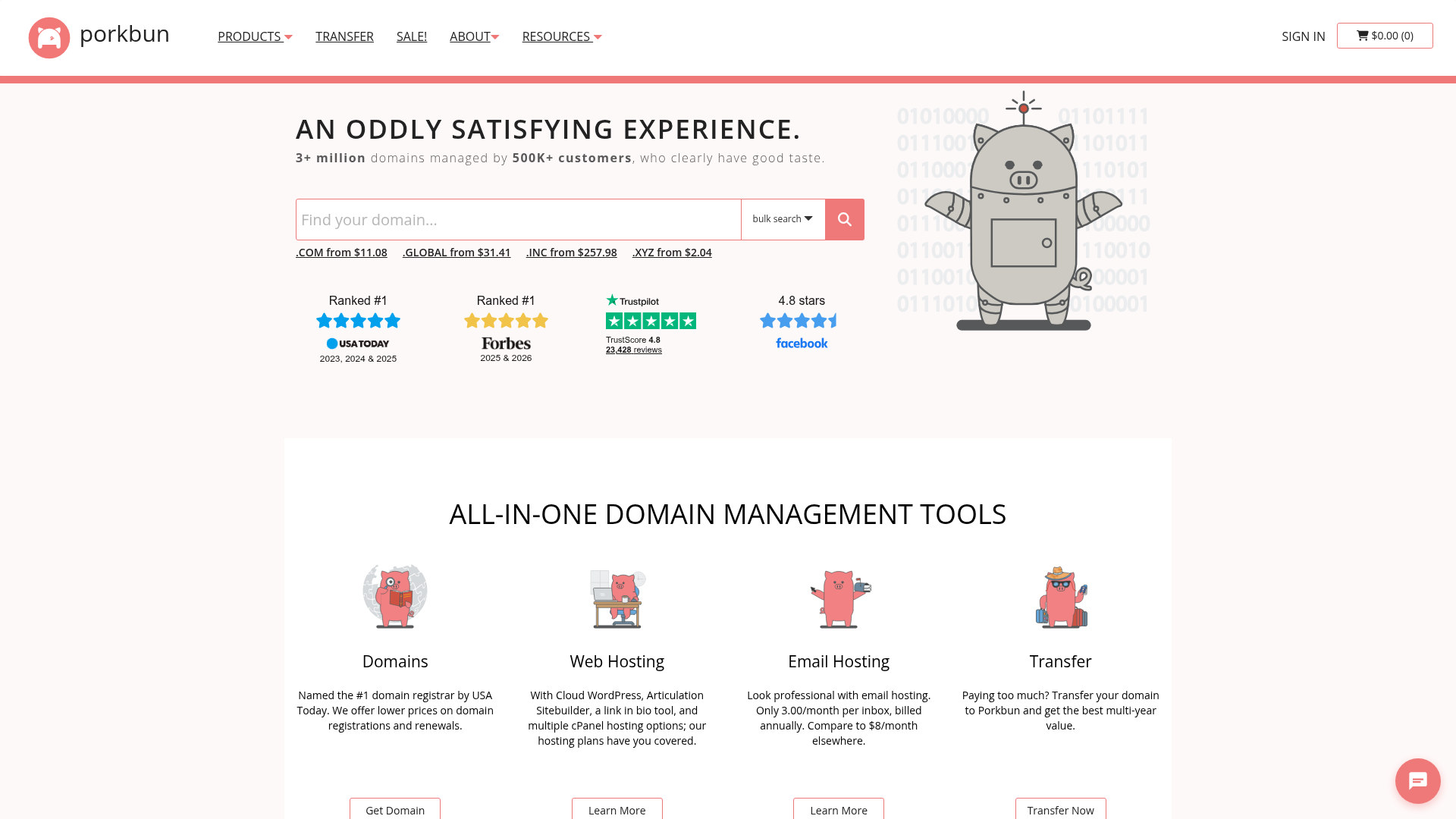
Everything in this guide starts in one place: Porkbun
What You Need (Bare Minimum)
- Your business name
- $10–$20
- 10 minutes
1. Go to Porkbun
Open Porkbun
Use the search bar on the homepage.
2. Search Your Domain Name
Type your business name:
- epoxyflooringaustin.com
- detroitplumbingco.com
If it’s taken, try:
- adding your city
- adding “co”
- flipping the words
3. Choose a Good Domain
Keep it simple:
- Use .com if possible
- Short and easy to spell
- No hyphens
4. Buy the Domain
Click:
Add to Cart → Checkout → Pay
Most domains cost around $10–$12/year.
5. Turn On Free Protection
Make sure:
- WHOIS Privacy is ON
- Auto-renew is ON
Porkbun includes this for free.
6. Set Up Your Business Email (This Matters More Than You Think)
This is where you go from “random person” to “real business.”
You have 2 options:
Option 1 (Best): Use Google Workspace
This is what I recommend.
You get:
- yourname@yourdomain.com
- Gmail interface
- reliability
- looks professional
Example:
hello@designgandalf.com
Cost:
around $6/month
Worth it.
Option 2 (Free): Email Forwarding (Porkbun)
You can create:
hello@yourdomain.com
And forward it to your Gmail.
Works fine if you’re just starting.
7. Save Your Login Info
Save:
- Porkbun login
- Email login
Don’t lose this.
8. Stop Here (Do Not Overbuild)
Do NOT:
- build a full website
- design logos
- overthink branding
You just needed to secure your name and email.
What You Just Did
You now have:
- a real business name
- a domain you own
- a professional email
That’s a legit foundation.
Why This Matters
Businesses with real domains and emails:
- look more trustworthy
- convert more leads
- get taken seriously
This step is small, but it changes everything.
What’s Next
Now it’s time to get found.
Next, you’ll set up your Google Business Profile so people can actually discover you when they search.
Need Help With This?
Next Step
👉 Read next:
3. Set Up Your Google Business Profile (Get Found on Google)