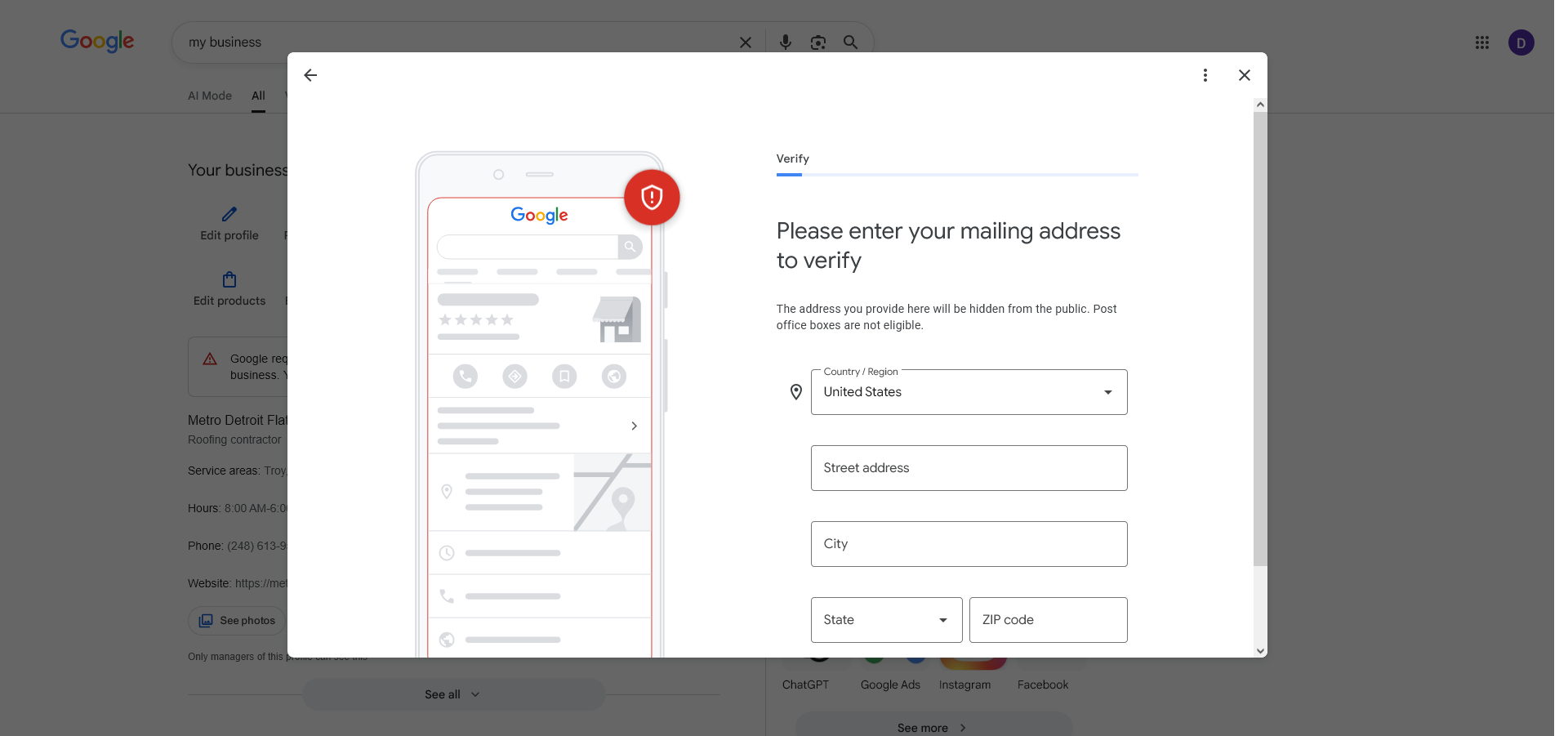
If you are setting up or fixing a Google Business Profile, this step matters more than most people realize.
If you get stuck here you delay everything:
Rankings
Leads
Calls
Do it right once and move on.
What Google Wants
Google is checking three simple things:
- You are a real person
- Your business is real
- You operate in the area you listed
That is it.
Step 1: Get ready before recording
Have these ready:
- Your work vehicle
- Your tools or materials
- Access to your garage or truck
Pick a time with good daylight.
Do not start recording until everything is ready.
Step 2: Start outside
Hit record.
Show:
- Street sign
- House number or nearby landmark
Say something simple:
"This is where I operate my business locally."
Step 3: Show your base
Walk toward your house or workspace.
Show the exterior of your home or garage.
You do not need a storefront. You just need to show you exist.
Step 4: Show your work vehicle
Walk to your truck or van.
Show the outside, then open it.
This is one of the strongest trust signals.
Step 5: Show your tools
This is the most important step.
Show tools, materials, or equipment you use.
Examples:
- Roofing materials and ladders
- Landscaping equipment
- Cleaning supplies
Say what they are:
"These are the tools I use for my business."
Step 6: Prove you run the business
Show that you have control:
- Unlock your truck
- Open your garage
- Show keys in your hand
This proves you are the operator.
Step 7: Say your business name and service
Say it clearly:
"This is Midwest Flat Roof Repair. I provide flat roof repair and installation in this area."
Do not skip this.
Step 8: Keep it one take
- No cuts
- No edits
If you mess up, start over.
Your video should be 30 to 90 seconds in one continuous recording.
Step 9: Upload right away
Do not overthink it. Upload the video as soon as you finish.
What gets people rejected
- Recording only inside
- Not talking
- No tools shown
- No vehicle shown
- Trying to make it look perfect
- Editing the video
If Google has to guess what your business is, you will get denied.
If you get denied
Do this:
- Step 1: Record again
- Step 2: Show more tools
- Step 3: Talk through the whole video
- Step 4: Make it obvious in the first ten seconds
- Step 5: Resubmit
Most people get approved on the second try when they do it right.
Service area businesses
If you do not have a storefront, you are still fine.
Show:
- Outside of your home
- Your vehicle
- Your tools
- Proof you work locally
You do not need a business sign or a commercial building.
Simple checklist
Before you submit, make sure you have:
- Street sign
- Exterior of property
- Work vehicle
- Tools or materials
- You opening something
- You saying your business name and service
If all of these are included, your chances go way up.
Why this matters
No verification means no visibility.
No visibility means no leads.
This step unlocks everything.
Bottom line
Do not try to impress Google.
Be clear, be simple, be real.
That is how you pass video verification the first time.
Video Recording Steps
- Go outside and start recording with good daylight
- Show a street sign or nearby landmark
- Show the outside of your house or workspace
- Walk to your work vehicle and show the exterior
- Open your vehicle to show inside
- Clearly show your tools or materials
- Say what the tools are used for
- Unlock or open something to prove access
- Say your business name and what you do
- Keep recording the whole time with no cuts
- End the video after 30 to 90 seconds
- Upload the video immediately to your Google Business Profile
Stop missing out on local jobs.
Getting verified is step one. Step two is turning those views into paying customers. We build high-converting websites that make you the obvious choice in your area.
Book a free strategy call